Braina Speech Recognition Software1.31
Publisher Description
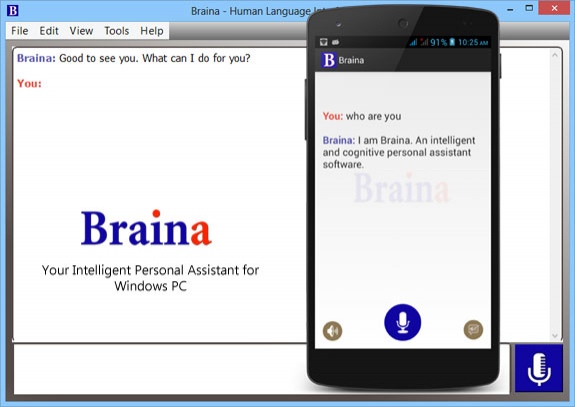
Braina (Brain Artificial) is an intelligent personal assistant software for Windows PC that allows you to interact with your computer using voice commands in English language. Braina is a multi-functional and multi-language speech recognition program capable of opening programs, dictating in any software or website, playing songs, doing calculations, finding information on anything, it employs advanced user interface and voice input, it manages almost everything in your life. Braina is easy to use and has been described as "The best speech recognition program on PC." Supported Languages for Speech Recognition are English, German, Spanish, French, Italian, Portuguese, Russian, Chinese and Japanese. Braina has the ability to do anything you desire with just the power of your voice!
About Braina Speech Recognition Software
This Launchers & Task Managers program is available in English. It was last updated on 29 September, 2026. Braina Speech Recognition Software is compatible with the following operating systems: Windows.
The company that develops Braina Speech Recognition Software is Brainasoft. The latest version released by its developer is 1.31. This version was rated by 2 users of our site and has an average rating of 4.0.
The download we have available for Braina Speech Recognition Software has a file size of 23.1 MB. Just click the green Download button above to start the downloading process. The program is listed on our website since 2015-08-29 and was downloaded 260 times. We have already checked if the download link is safe, however for your own protection we recommend that you scan the downloaded software with your antivirus. Your antivirus may detect the Braina Speech Recognition Software as malware if the download link is broken.
How to install Braina Speech Recognition Software on your Windows device:
- Click on the Download button on our website. This will start the download from the website of the developer.
- Once the Braina Speech Recognition Software is downloaded click on it to start the setup process (assuming you are on a desktop computer).
- When the installation is finished you should be able to see and run the program.
